Quote countertops
in minutes.
Build your price lists once, draw the countertop, and let Lithiq calculate square footage, edges, cutouts, and materials automatically. Send branded quotes while the customer is still in front of you.
From drawing to quote in one flow.
No more jumping between spreadsheets, calculators, and email. Lithiq combines drawing and estimating so your sales team can create accurate, professional quotes without leaving the customer conversation.
Automatic Calculations
Square footage, linear feet, cutouts, and waste — all calculated as you draw.
Branded Proposals
Send quotes with your logo, terms, and line-item breakdowns.
Quote History
Track versions, approvals, and follow-ups in one place.
Inches, mm, or cm
Work in the units your market uses. Switch per job — no conversion math.
Instant Updates
Change a price list and every future quote updates automatically.
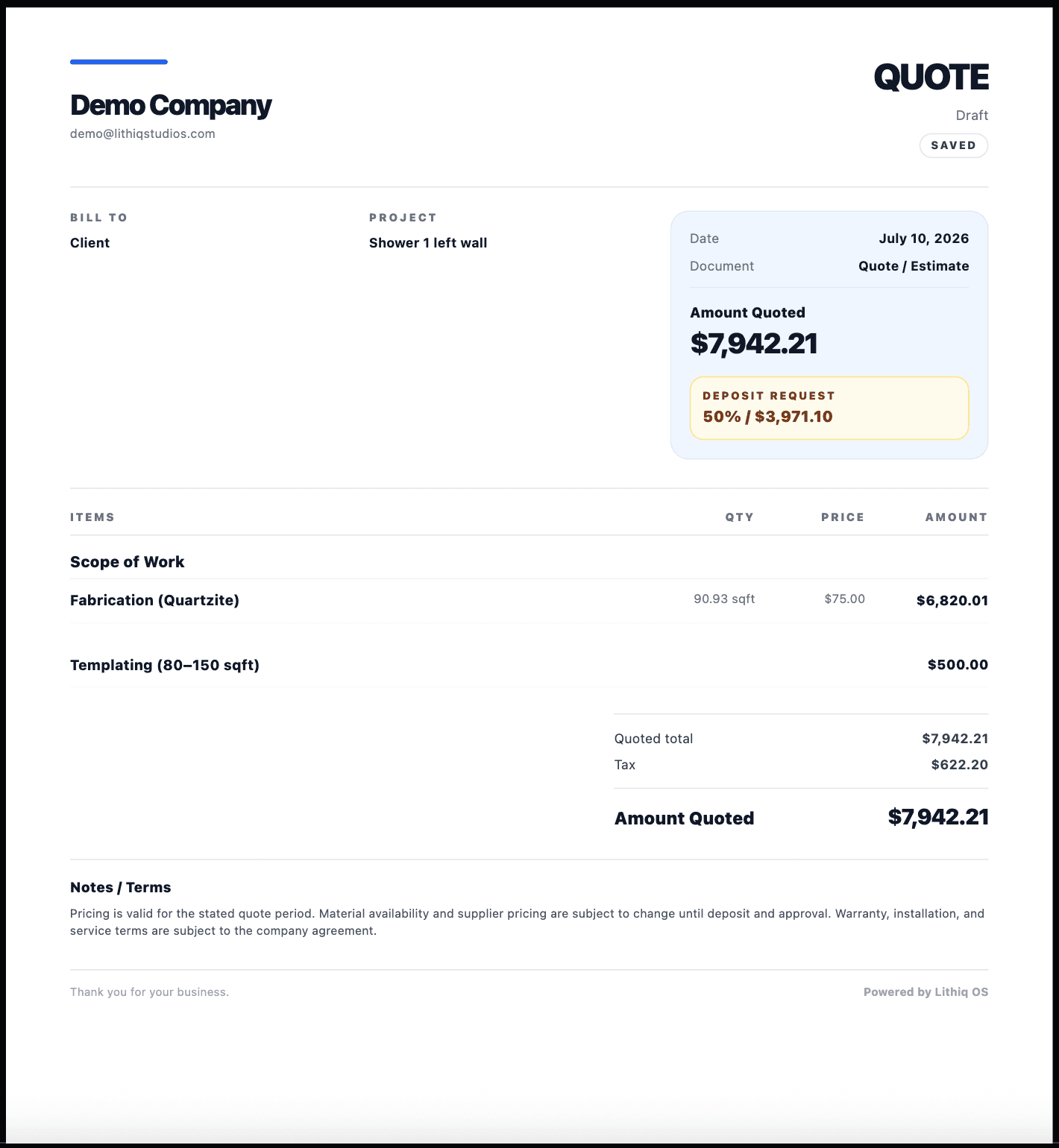
Four steps to a professional quote.
Set Up Pricing
Build price lists for materials, edges, cutouts, and labor.
Draw the Job
Use the countertop drawing tool to capture measurements and shapes.
Select Materials
Choose the stone, edge profile, and cutouts from your catalog.
Send the Quote
Generate a branded PDF quote and email it to your customer.
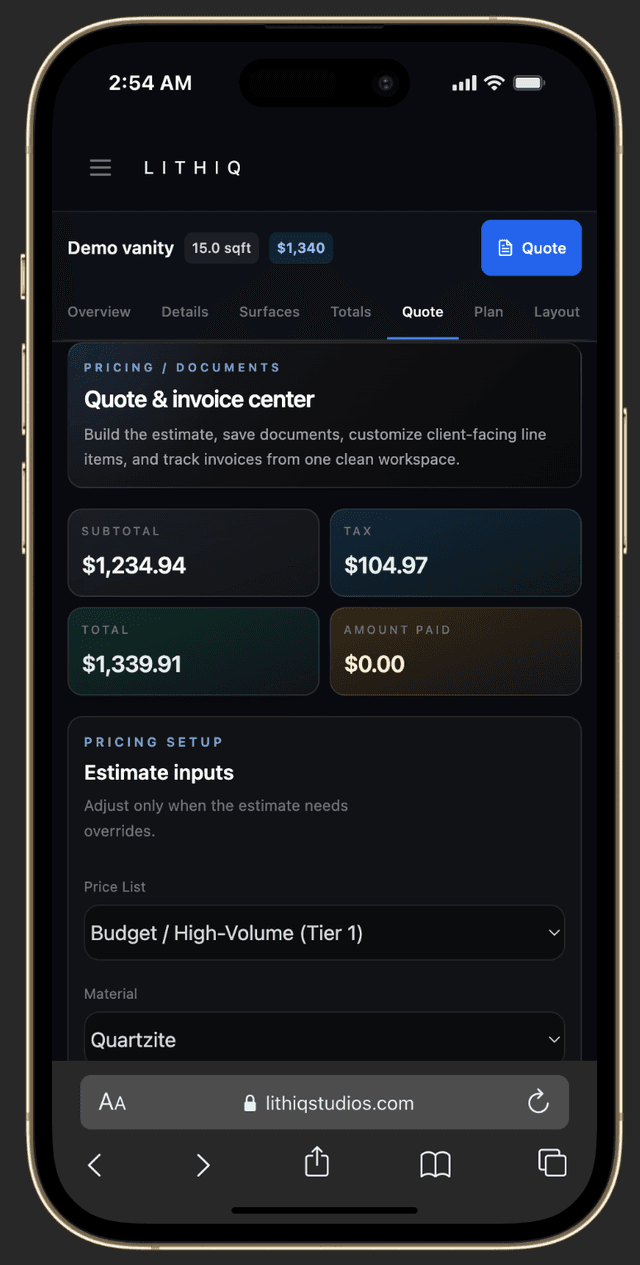
Quote and invoice from anywhere.
Create, review, and send quotes right from your phone or tablet. Everything syncs in real time.
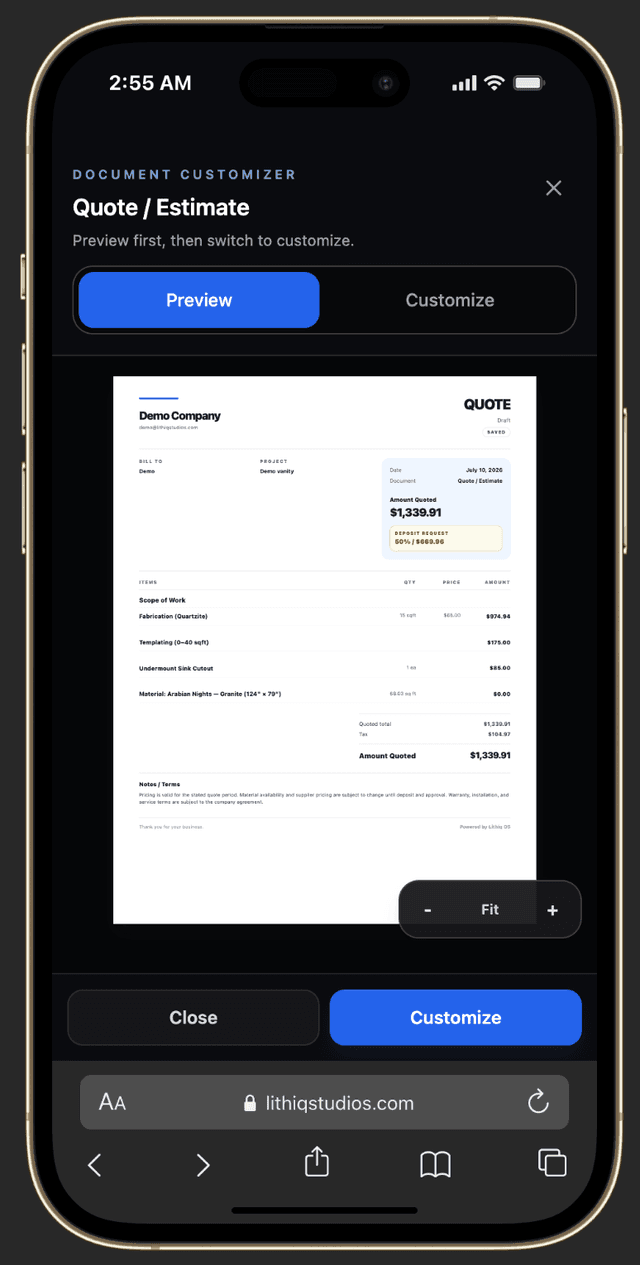
How countertop estimating software builds a quote.
A complete estimate is more than a single square-footage number. It is the sum of several measured quantities, each tied to a price. Here is what a proper countertop takeoff actually adds up.
Surface area
Square footage of each top, island, and vanity. Irregular shapes and cut-ins are measured from the drawn geometry, not guessed by eye.
Edge length
Linear feet of finished edge — the most commonly undercounted line item. Each edge profile carries its own per-foot price.
Cutouts
Sinks, cooktops, soap dispensers, and faucet holes. Each is a fixed price plus the edge finish around its perimeter.
Backsplash
Square footage or linear feet of the matching splash, with its own material and labor rate.
Seams
Every seam is a fabrication and installation cost — number of slabs, bookmatching, and on-site join time all depend on where seams land.
Material, waste & install
Slab yield and waste factor set how many slabs you buy. Delivery, templating, and install labor close out the number.
When these quantities come from the same drawing, a revision is a few clicks instead of a full rebuild. That is the core promise of countertop quote software: one source of truth from measure to proposal. See the deeper walkthrough in our countertop estimating software guide, and pair it with 3D layouts and slab inventory so the estimate is backed by real, available material.
Estimator mistakes countertop quote software prevents.
Most lost margin on a countertop job does not come from bad pricing — it comes from quantities that never made it onto the quote. The usual suspects:
- !
Under-counting cutouts
A second sink, a prep faucet, or a soap dispenser gets missed, and the shop eats the fabrication.
- !
Forgetting seam handling
Seams are quoted as free, or booked as one slab when the layout needs two or three with bookmatching.
- !
Mismatched price lists
A retail rate is applied to a builder job, or last year's edge price is still in the spreadsheet.
- !
Manual re-entry errors
Transcribing the drawing into a calculator and then into an email drops digits and duplicates lines.
How software closes the gap
Because the price list is bound to the drawing, every cutout, edge, and seam is priced the moment it is drawn — there is nothing to remember to type. Approved price lists are assigned per job, so the right rate is always in force, and the same record flows into fabrication and installation with no second entry.
The result is fewer surprises at install and a quote that matches the slab you actually buy. Read more in our countertop estimating software guide.
Estimating questions.
Can I have multiple price lists?+
How does Lithiq calculate square footage?+
What measurement units does Lithiq support?+
Can I customize quotes with my branding?+
Does it handle sales tax?+
Start quoting faster today.
Join the fabricators who use Lithiq OS to turn quotes around in minutes instead of hours.